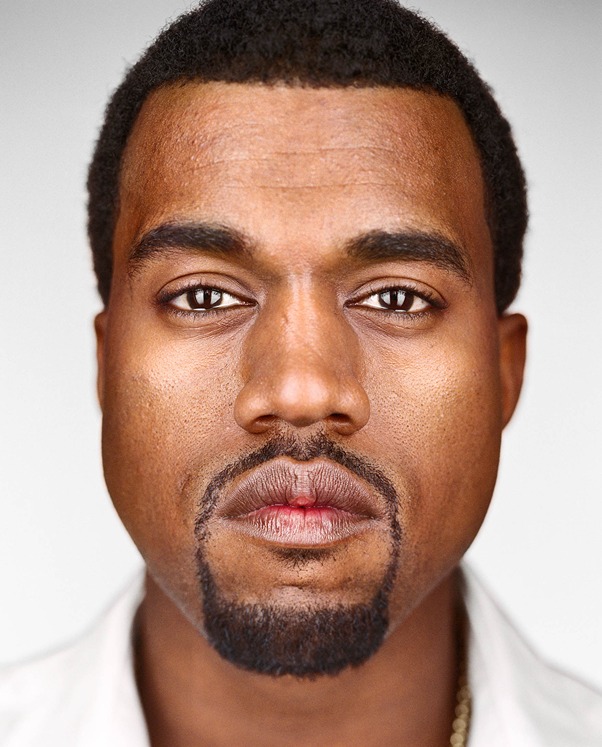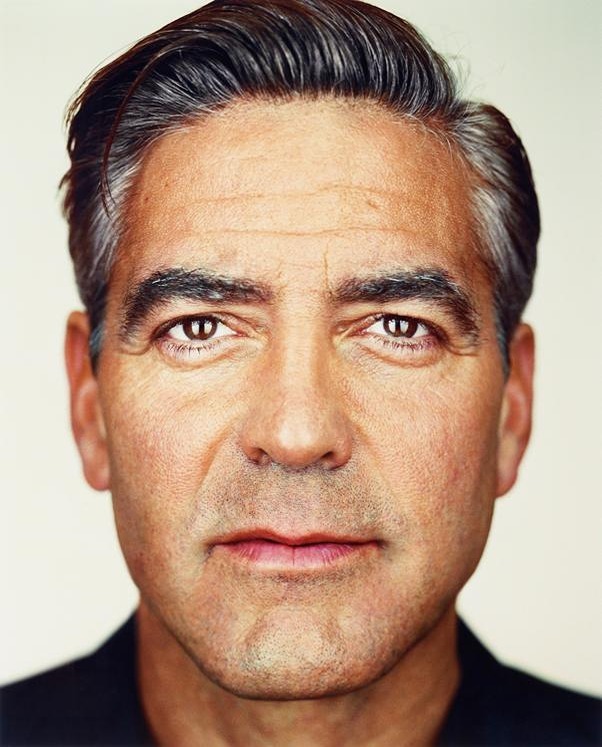
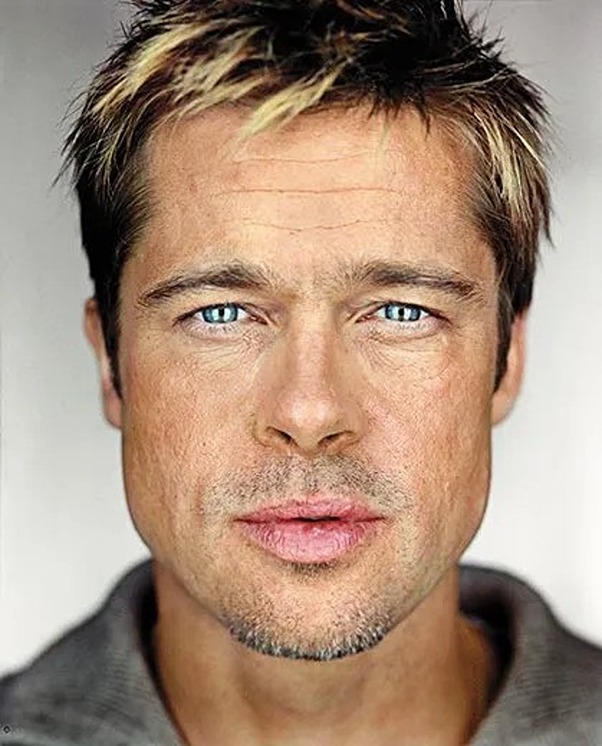
In this project we will produce a "morph" animation of your face into someone else's face, compute the mean of a population of faces and extrapolate from a population mean to create a caricature of yourself. A morph is a simultaneous warp of the image shape and a cross-dissolve of the image colors. The cross-dissolve is the easy part; controlling and doing the warp is the hard part. The warp is controlled by defining a correspondence between the two pictures. The correspondence should map eyes to eyes, mouth to mouth, chin to chin, ears to ears, etc., to get the smoothest transformations possible.
The first step involves manually identifying pairs of corresponding keypoints on two images. The more keypoints defined, the smoother and more accurate the morphing result. This can be accomplished using tools such as cpselect in MATLAB, or by creating a custom tool using ginput (in MATLAB or Python) combined with plotting commands. It is important to label the two faces consistently, ensuring that points are indexed in the same order for both images (labeled as Face A and Face B). Saving the keypoints once a satisfactory set has been established is advisable to avoid repeating this manual process.
Next, these keypoints are used to generate a triangulation structure necessary for the morphing process. The triangulation can be computed using different methods, with Delaunay triangulation being an effective choice due to its ability to minimize the formation of overly narrow triangles. It is important that the triangulation remains consistent throughout the morphing process, so it should be based on a single set of points, preferably calculated at the "midway" shape. This "midway shape" is determined by averaging the two sets of keypoints, thereby reducing the potential for triangle distortion during morphing.
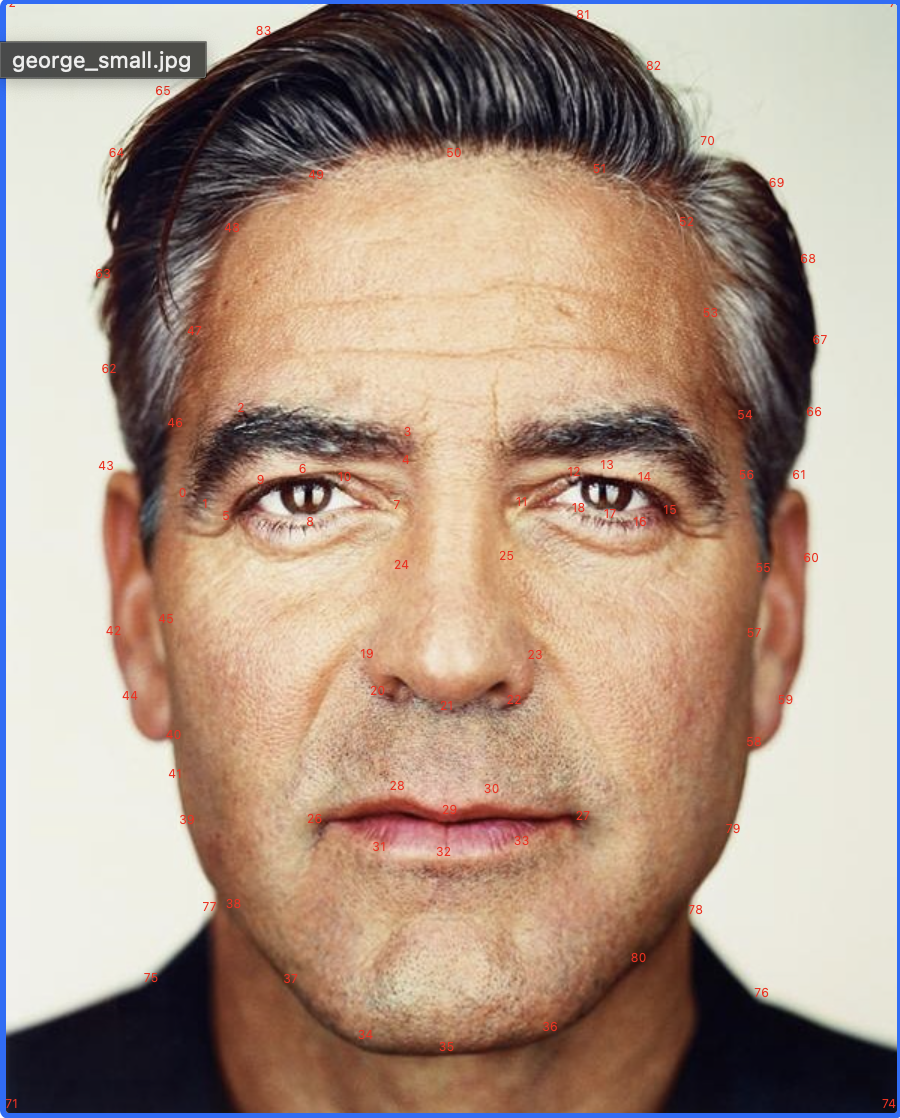
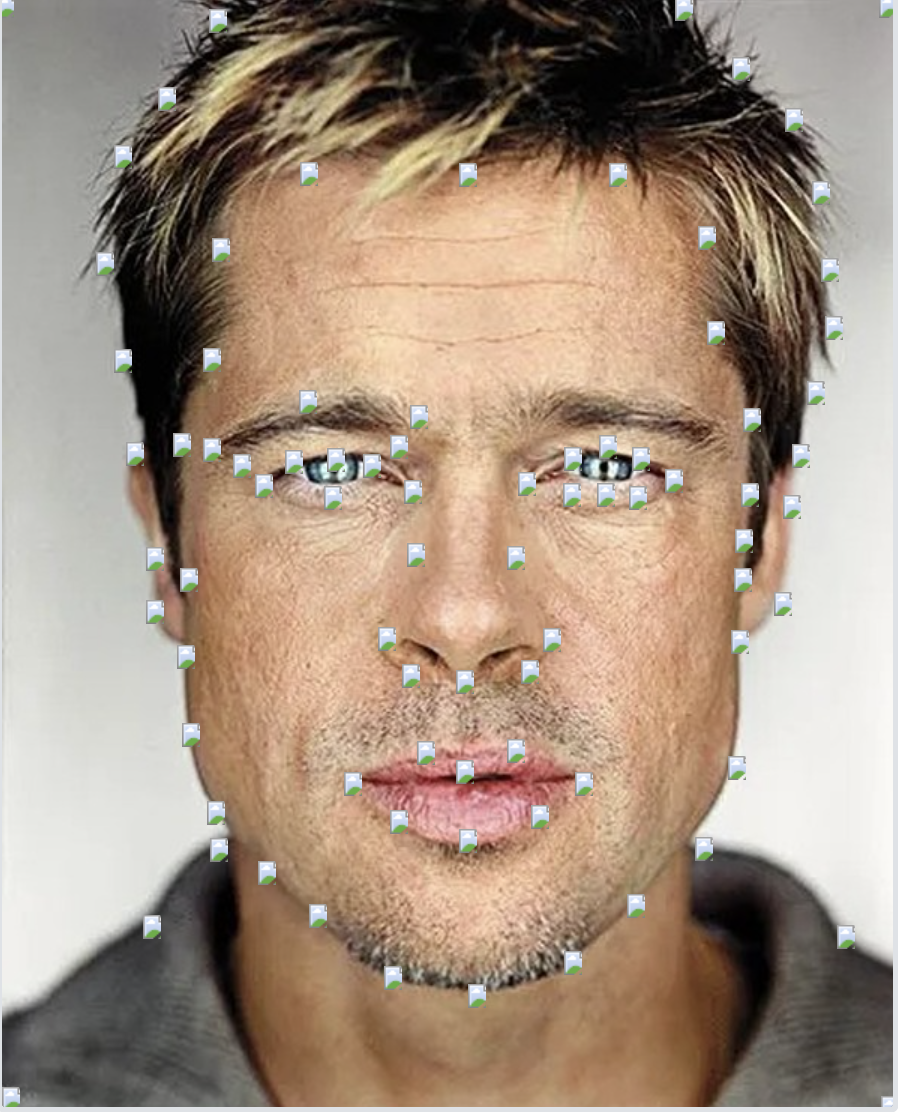
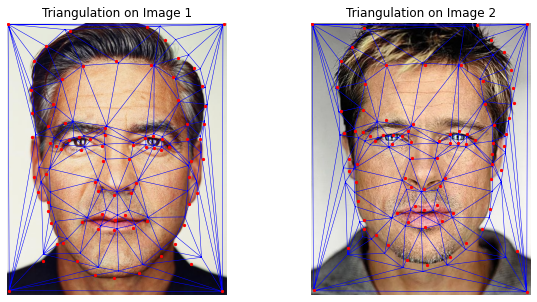
Before generating the complete morph sequence, the "mid-way face" of images A and B must be calculated. This process involves three main steps:
The critical task in this process is to warp each face into the average shape by applying an affine transformation for each triangle in the triangulation. This requires computing an affine transformation matrix A between the corresponding triangles in the original images and the average shape:
A = computeAffine(tri1_pts, tri2_pts)
An affine transformation matrix for each triangle must then be used to perform an inverse warp on all pixels in the image. To achieve this, masks can be created using functions like polygon in Python or roipoly in MATLAB, defining the region of each triangle. Although interpolation functions may assist in this task, no built-in functions for computing transformations are allowed.
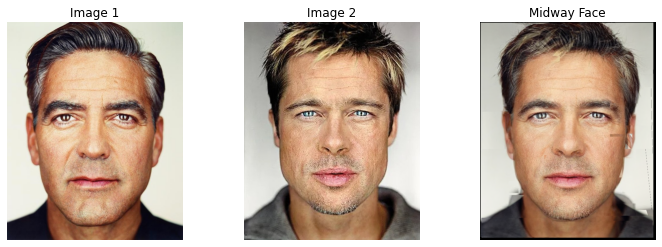
The goal is to create a function:
morphed_im = morph(im1, im2, im1_pts, im2_pts, tri, warp_frac, dissolve_frac);
This function produces a morph between two images, im1 and im2, using the point correspondences defined in im1_pts and im2_pts. These points are represented as n-by-2 matrices of (x, y) coordinates. Additionally, the function uses the triangulation structure, tri, to facilitate the transformation.
The function parameters warp_frac and dissolve_frac control the transformation process:
warp_frac: This parameter manages the shape warping between the two images.dissolve_frac: This parameter determines the cross-dissolution of the images’ colors.Both parameters range from 0 to 1 and are the only variables that change for each frame in the morphing sequence. Specifically:
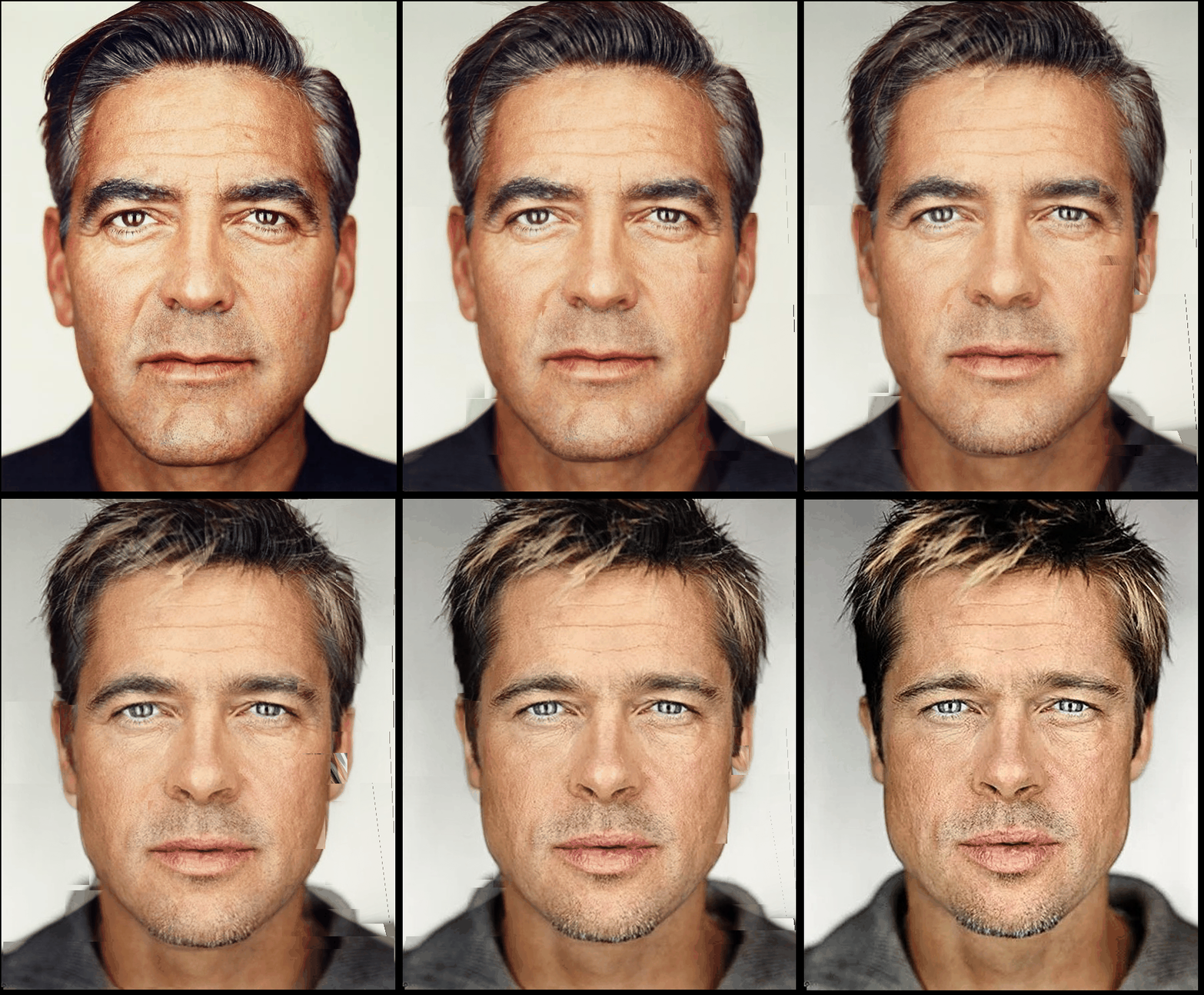
warp_frac and dissolve_frac are set to 0, meaning the image remains identical to im1.im2.The function warps im1 and im2 into an intermediate shape configuration based on warp_frac. It then performs a cross-dissolve according to dissolve_frac, blending the colors accordingly. For interpolation purposes, these parameters will be incrementally adjusted to achieve a smooth transition between frames.
The output of this function should be a video sequence that smoothly morphs from image A to image B. The final output can be provided as an animated GIF or a link to a video (e.g., on YouTube). It is important to ensure that the video file is not hosted directly on your website.
To create an average face representation using a dataset of annotated faces, follow the steps below:
This methodology allows for a comprehensive visualization and understanding of facial averages within a population, enabling analysis of how individual faces conform to or deviate from the mean face structure.

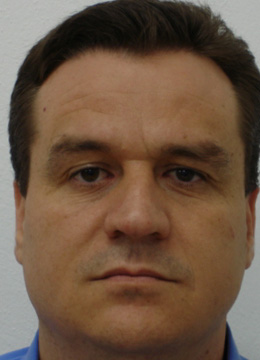
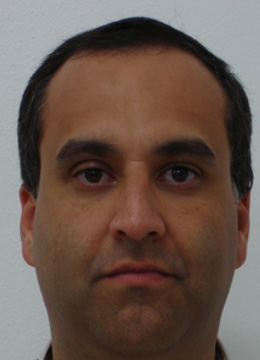
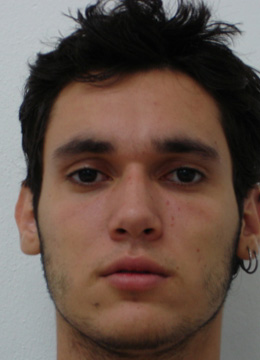
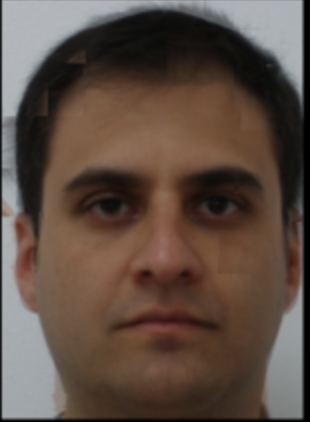
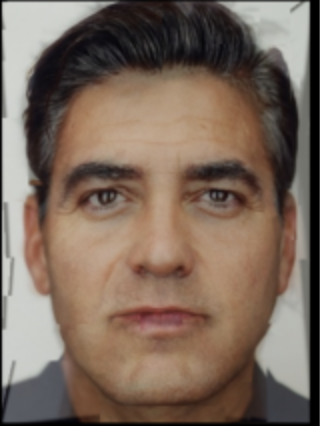
Once the average face shape is determined, extrapolation is performed using the following formula: caricature = scale * (my_face - average_face) + average_face, where scale is greater than 1.0. This amplifies the differences in shape between the individual and the average face, resulting in a caricature. By rearranging and combining the terms, the formula becomes: caricature = scale * my_face + (1 - scale) * average_face. This is essentially the same weighted averaging method used for morphing between two images.
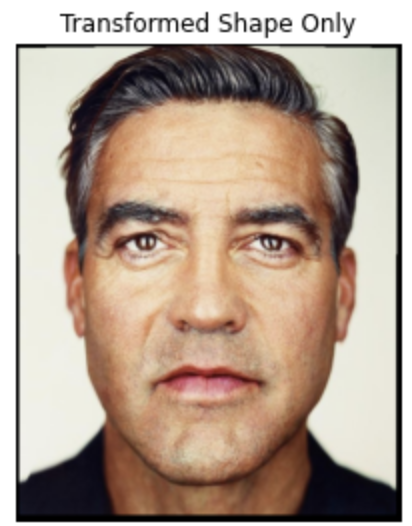
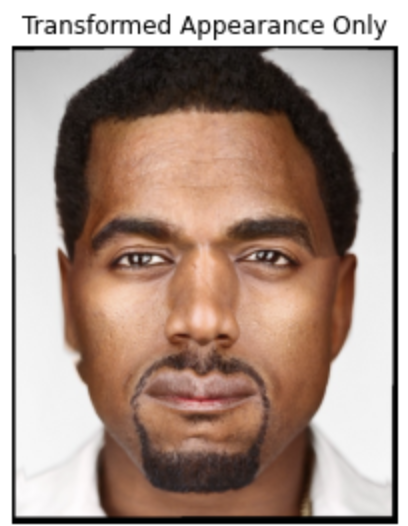
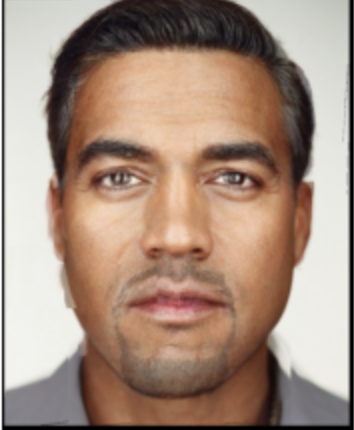
As seen, the new image now has a wider jaw structure and thicker eyebrows, but still retains a few of the original image properties. Thus, we can say this caricature emphasizes any differences in shape between George Clooney and the average face.